






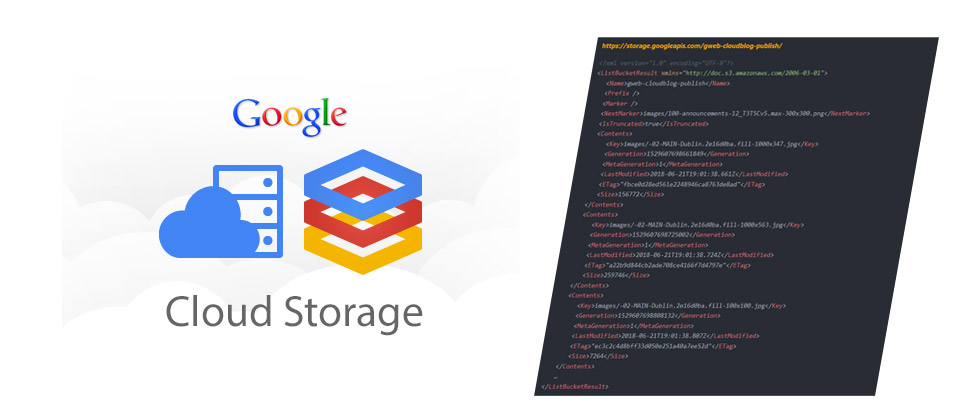
Google runs several Official blogs online to publish findings, news and recent updates on their products and upcoming changes.
Some examples of Google blogs include:
- Blog.google
- Cloud.google.com/blog
- firebase.googleblog.com
Interestingly enough, the last blog on the list above (and any others that are hosted on the *.googleblog.com domain) are hosted on Blogspot.com, which are subsequently hosted on Blogspot’s CDN network.
However, the first 2 blogs mentioned about (Blog.google and cloud.google.com) are hosted on custom platform.
Images for these 2 blogs are stored on Google Cloud storage buckets which can be seen in order below:
https://storage.googleapis.com/gweb-uniblog-publish-prod/https://storage.googleapis.com/gweb-cloudblog-publish/Accessing Resources on Google Cloud Buckets
Now to access resources (images, css, etc) off these blogs, Google Cloud storage is designed as a IaaS (infrastructure as a service) platform and allows users to access resources via a URL on the web.
You can access buckets using their URLS, as seen below:
-
https://storage.googleapis.com/<bucket name>/ -
https://<bucket name>.storage.googleapis.com/ -
https://storage.cloud.google.com/<bucket name>/
You’ll need to append the filename of the resource your trying to access at the end of the URL to see the resource via your browser.
The Misconfiguration
Usually most admins who setup these buckets will setup these buckets with very strict permissions, to not allow folks to list the contents of a full directory, like seen on the the Blog.google configuration below, as the team from WebsecBlog.com have demonstrated:

As you can see above, the public listing permissions have been disabled by default.
Now they had a look at the cloud.google.com/blog bucket to see if their permissions were setup correctly

As you can see, this bucket was mis-configured and allow Public listing of all bucket resources – Yikes!
This can cause issues for Google as people doing recon about new services coming out can find out information about upcoming blog posts before they are even published.
Root Cause of the Issue
This bucket had public view permissions enabled for “AllUsers”, which allows anyone and everyone to view and list all items within your storage bucket.

Storage Object Viewer was accidentally added for allUsers which gave everyone access to seeing everything on the storage bucket.
As we’ve seen with many other public data leaks in the past, giving to much access is never good.
Possible business impact, as we’ve stated above, include people viewing unreleased products, confidential information about upcoming products or services and much more. These type of issues can impact earnings and possibly cause greater damage financially for the respective company.
Timeline for the Incident as stated on WebSecBlog :
- 0.04.2019: Vulnerability reported
- 10.04.2019: Priority changed to P2
- 10.04.2019: Looking into it
- 12.04.2019: Filed a bug
- 16.04.2019: Reward issued
- 24.04.2019: Marked as fixed
Source:
Public Bucket Allowed Access to Images on Upcoming Google Cloud Blog Posts
Add Comment